

For agents, consultants and professionals
Do your best work in chat. SuperCat does the heavy lifting and keeps it organized.
It knows your clients and your way of working. Ask for the deck, the report or the follow-up, and it also keeps your tracker, deadlines and client pages up to date as you go.
No app to install. No account to create. Just start typing.
What comes back
The finished work, and the system that keeps it current
Every example here is a made-up professional, built the way a customer would: by chatting with SuperCat. See what they asked for and everything that came back.
What came back
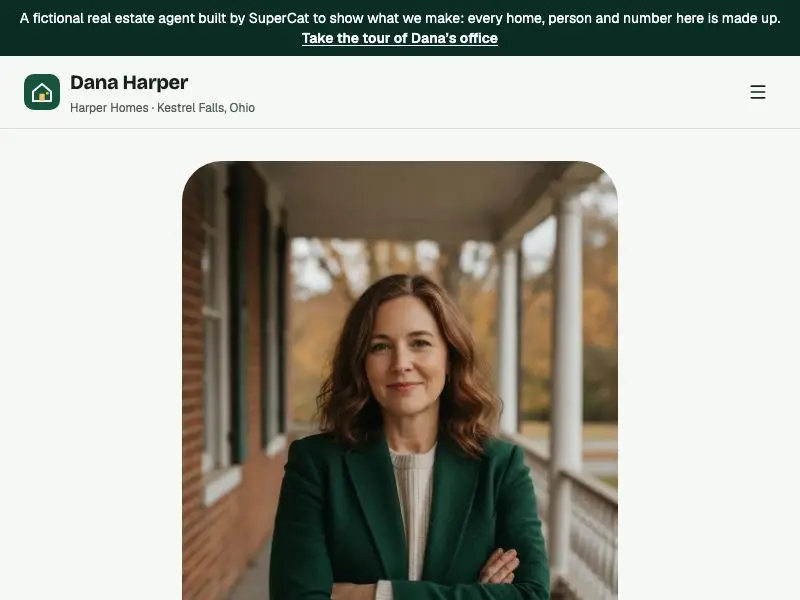
Her own site
Listings, showing requests and a home-value form
Open site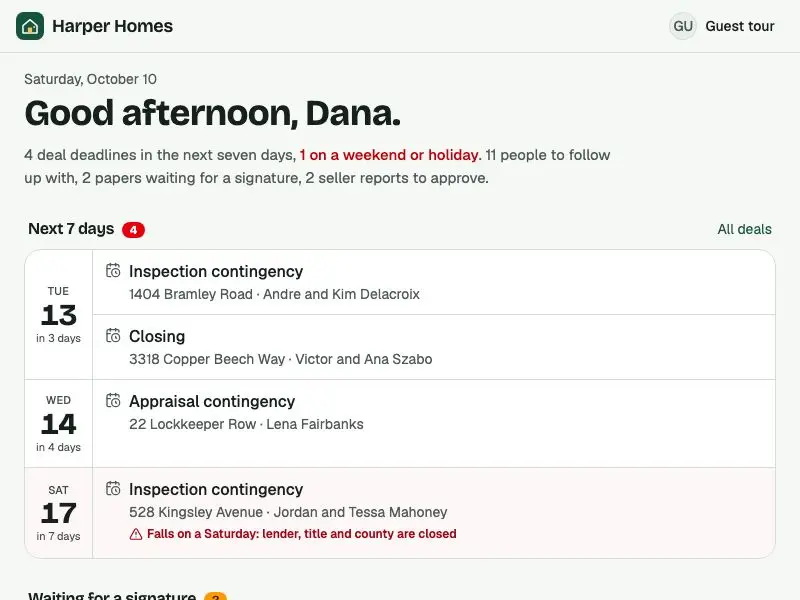
Today, on her phone
Deadlines in the next 7 days and who to follow up with
Take the guest tour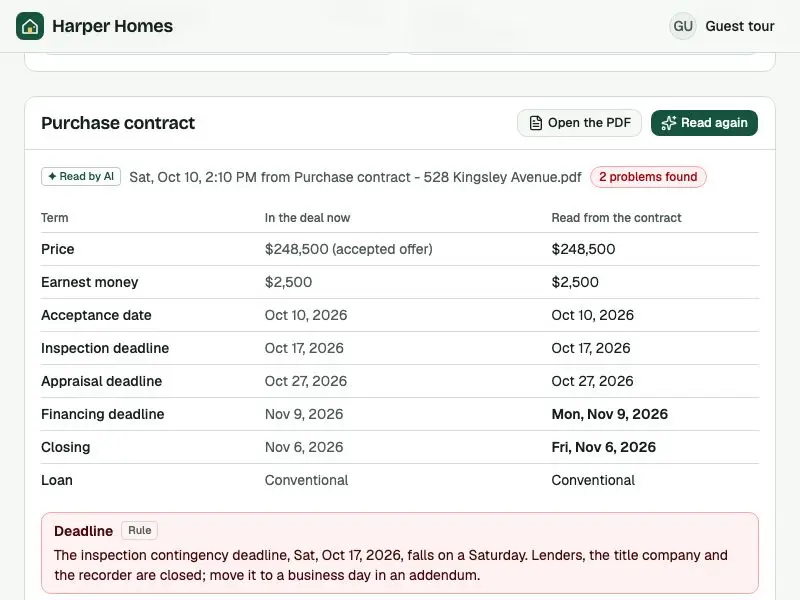
Contract, read for her
Dates pulled from the PDF; a Saturday deadline flagged
Take the guest tour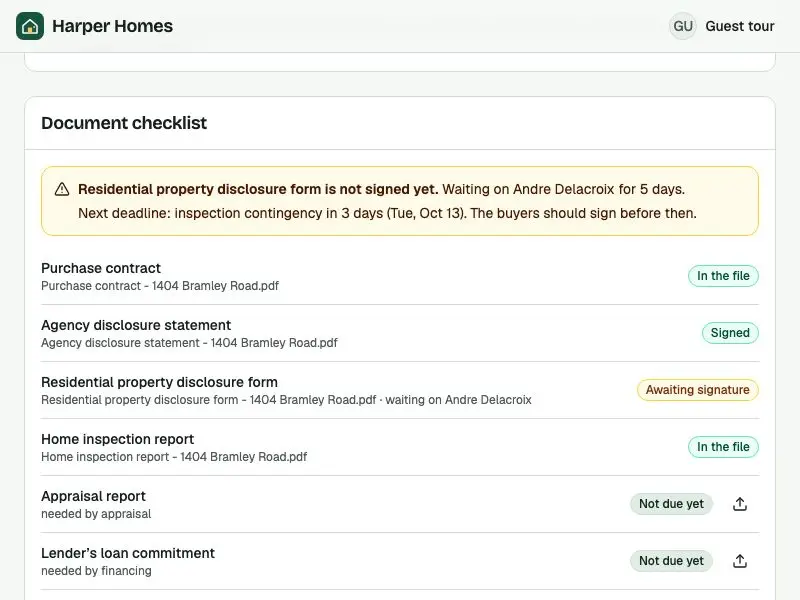
"Not signed yet"
A disclosure still waiting, before the next deadline
Take the guest tour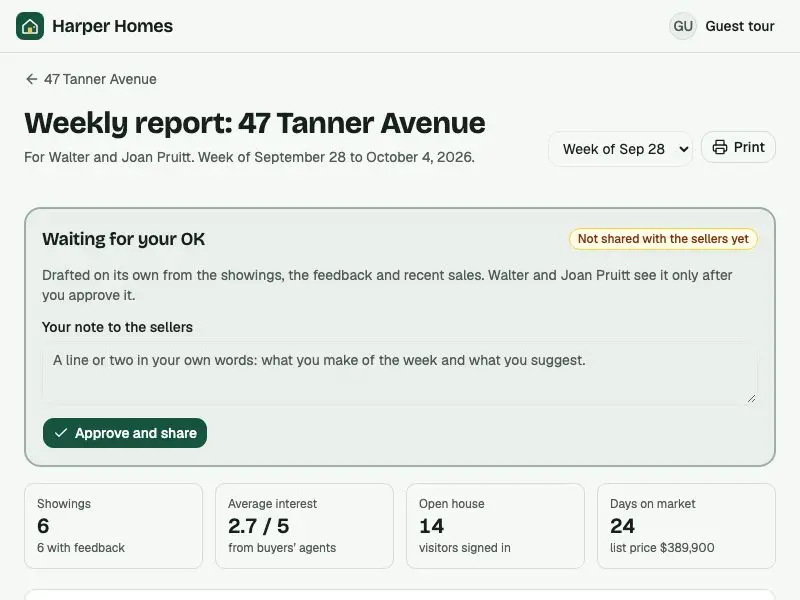
Weekly seller report
Showings, feedback and recent sales, for her OK
Take the guest tour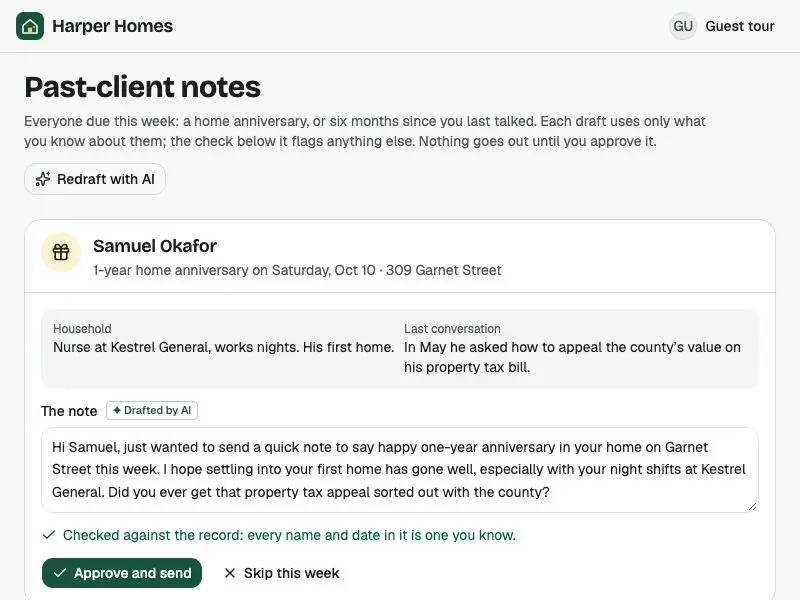
Past-client notes
A personal check-in drafted for each client due one
Take the guest tour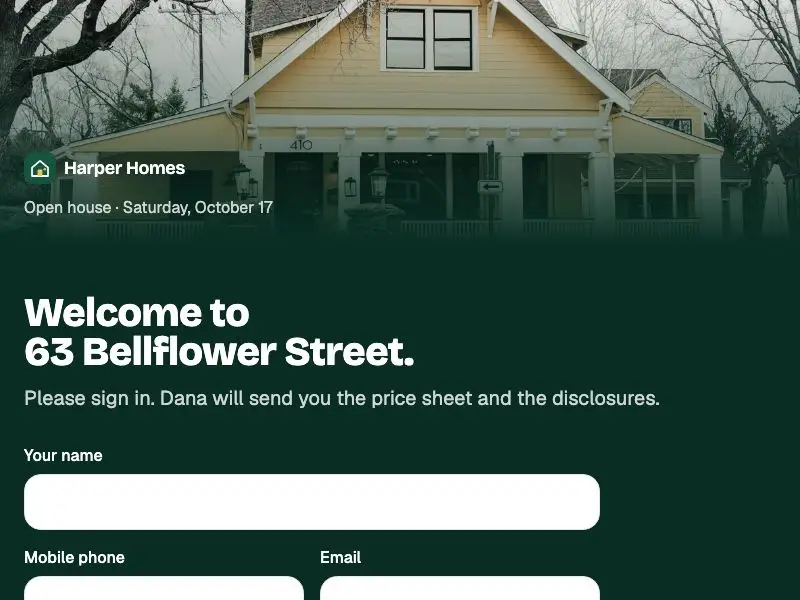
Open-house sign-in
The tablet at the door; every visitor becomes a lead
Try the sign-in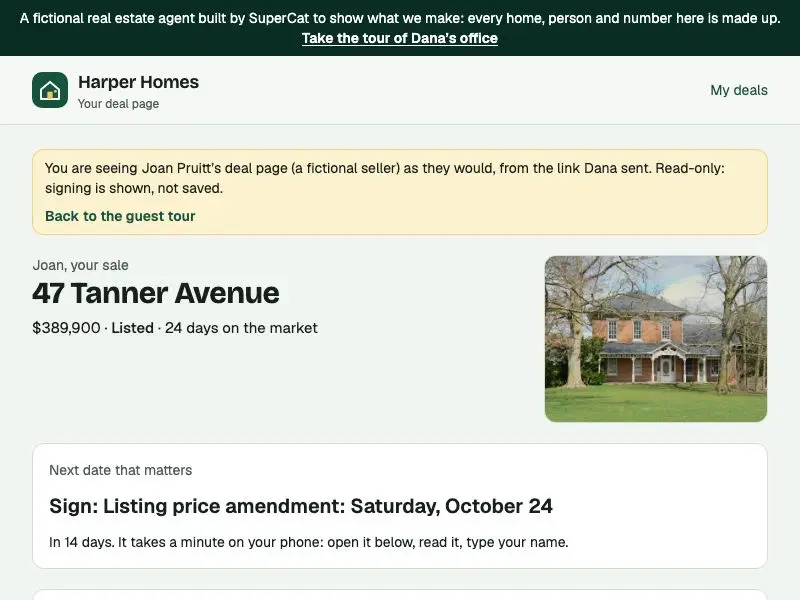
Client page
What a seller sees: next date, papers to sign, weekly report
See the client pageWhat came back

One engagement, start to finish
Brief, proposal, deck and tracker, in order
Open site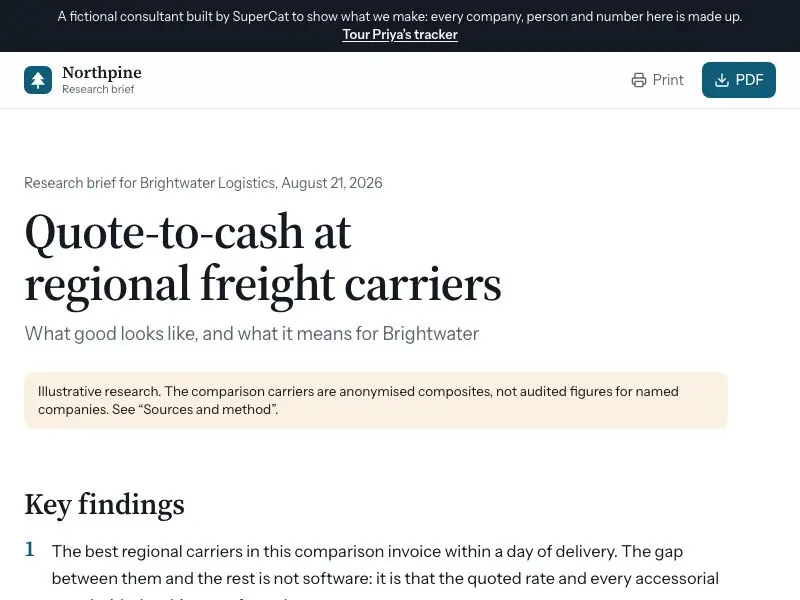
Research brief
How peers handle the problem, and what it means for the client
Read the brief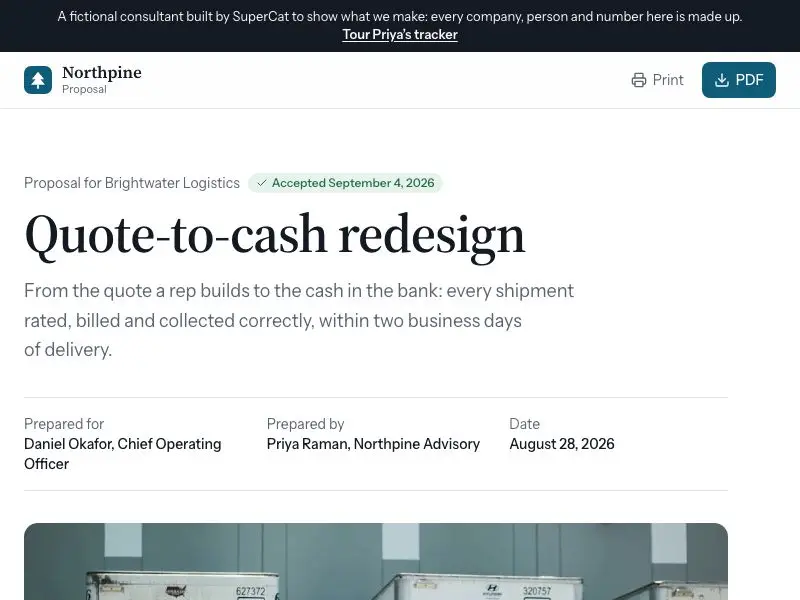
Proposal
Three phases, a timeline and a fixed fee, opened by link
Open the proposal
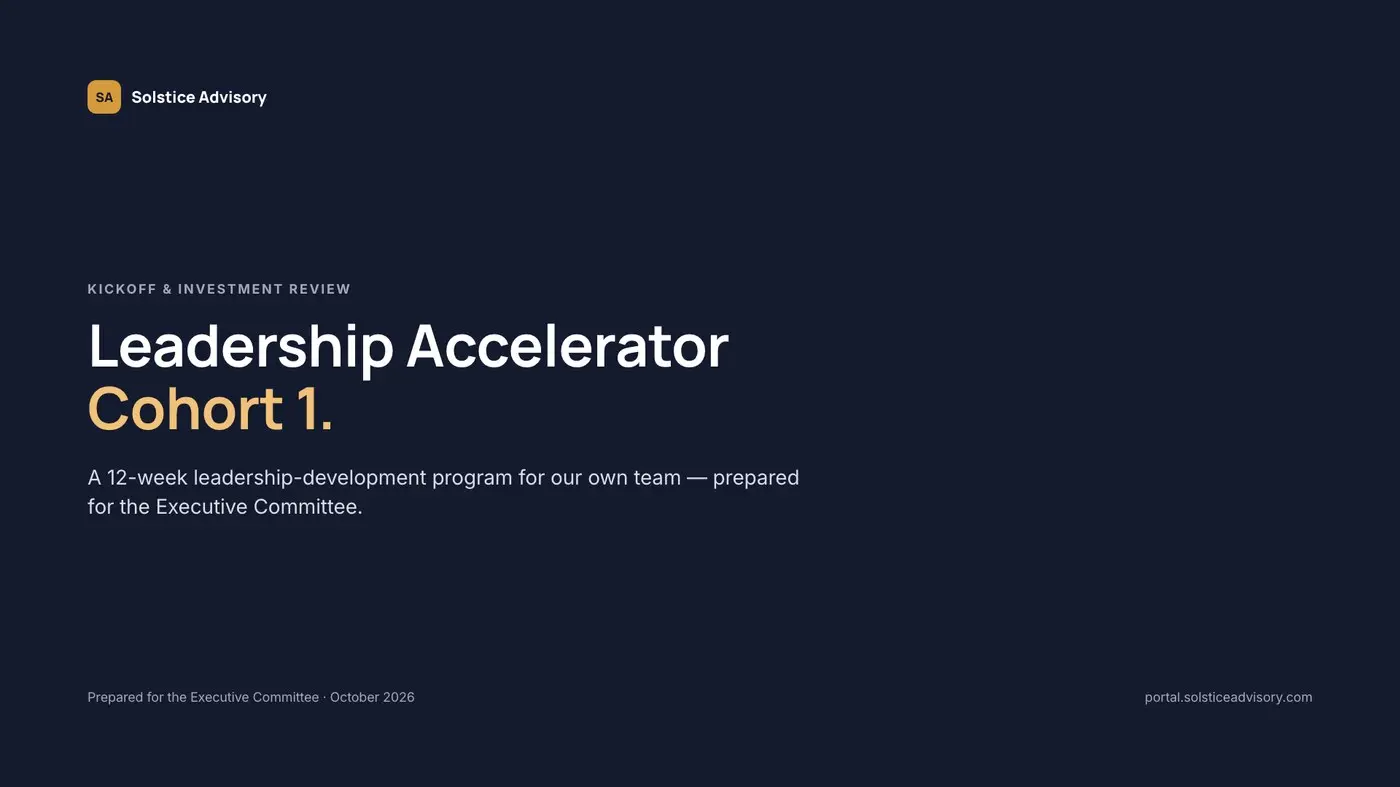
Kickoff deck
Eleven slides, also as editable PowerPoint
View the deck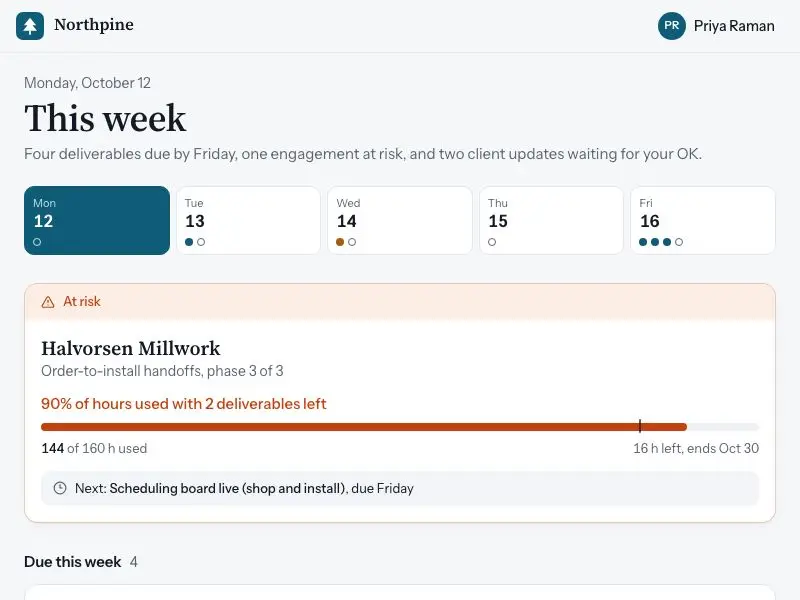
This week
What is due across every engagement, on her phone
Take the guest tour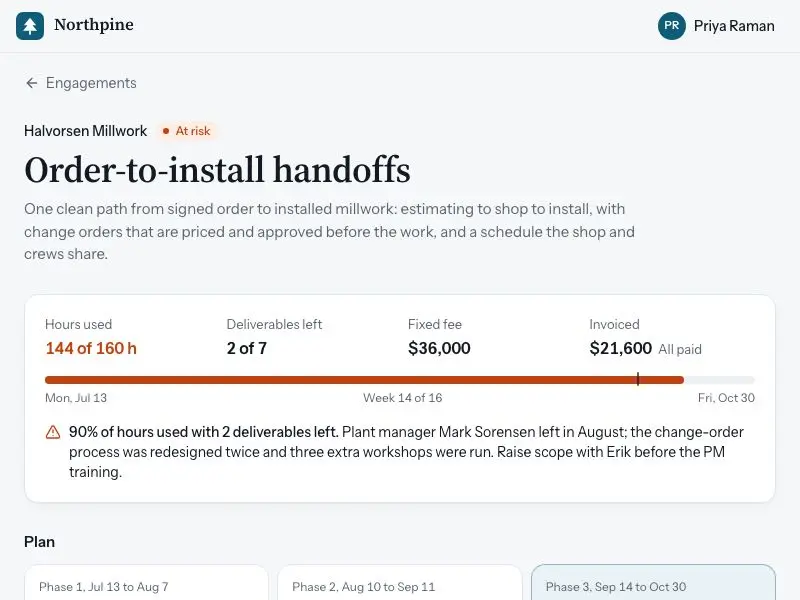
Engagement at risk
90% of the hours used with two deliverables left
Take the guest tour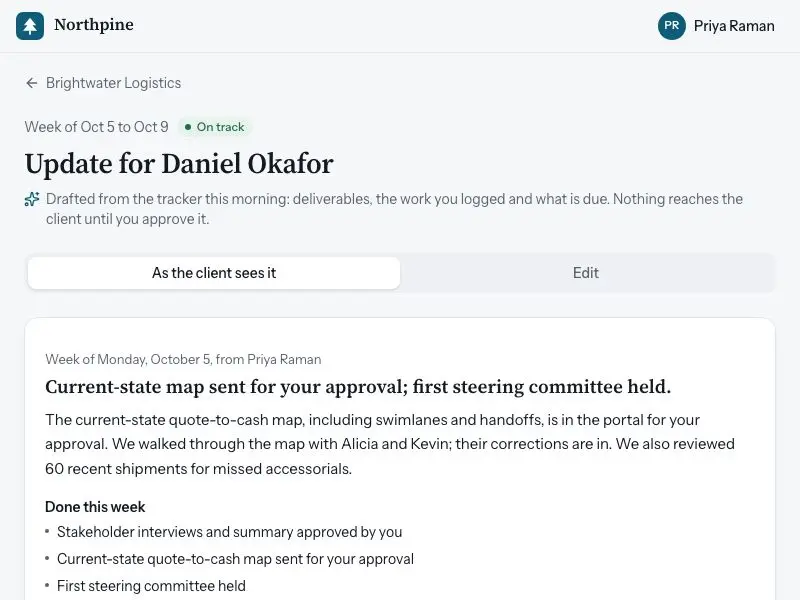
Monday client update
Drafted from the tracker, waiting for her OK
Take the guest tour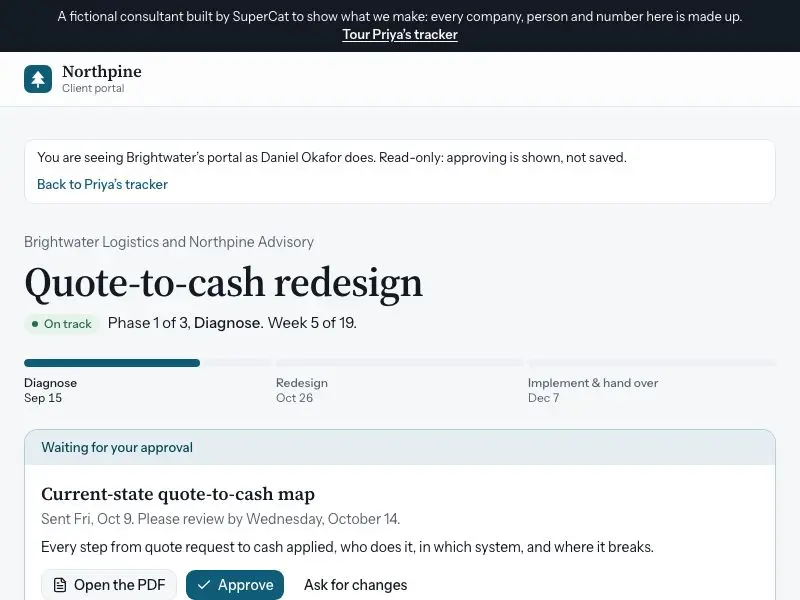
Client portal
Where the project stands, and a deliverable to approve
See the client portal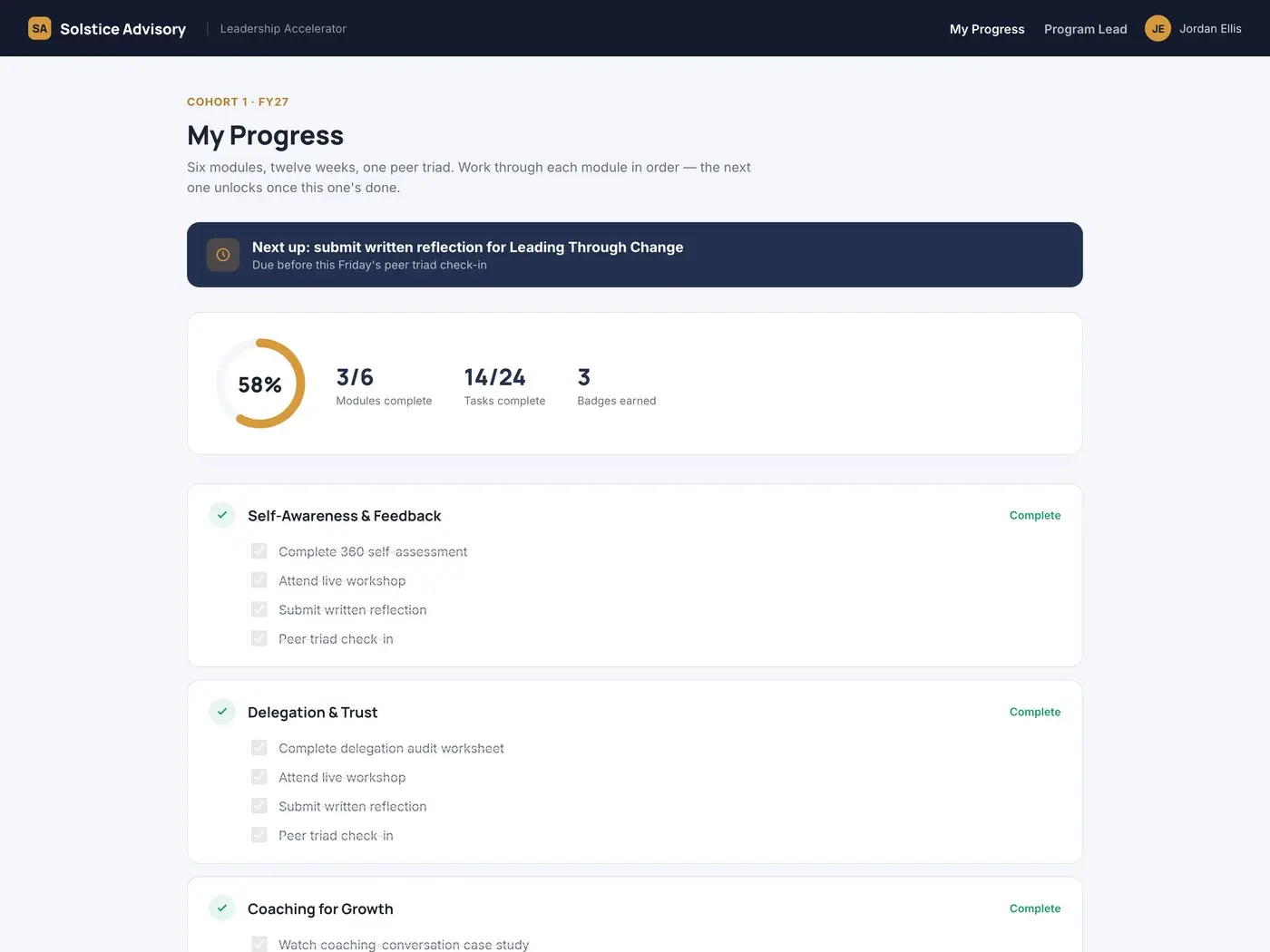
How it works
You describe it. SuperCat makes it.
- 1
Message SuperCat on WhatsApp
Say what you need, the way you’d tell a colleague.
- 2
It asks, then makes it
A few questions, then it comes back in the same chat.
- 3
Change it any time
Next week or next month. It already knows the background.
Instead of another tool
Keep your practice running without operating software
A CRM wants a seat fee and an afternoon of setup. ChatGPT writes the draft, then forgets it. SuperCat does the work and keeps the system behind it current.
Built around how you work
Your stages, your deadlines, your report format. Not a template made for someone else.
You approve what goes to clients
It drafts, you send. It flags what it is not sure about.
Remembers every client
The backstory, the last conversation, what you promised. You never explain it twice.
Yours to keep
Download your files and data any time. Nothing is locked in.
Pricing
Pay for the work it does
No seat fee, and what you buy never expires. Grows with you: bring your assistant or colleagues in without paying per person.
| Service | How you’re billed | Typical monthly cost |
|---|---|---|
| SuperCat | Pay as you go, or subscribe for extra credits | $0.50/can pay as you go — or $10–$50/month for extra credits that roll over forever |
| A real estate or sales CRM | Monthly, often per seat | Often $69 to $499 a month, and you still set it up and keep it fed |
| ChatGPT Plus | Flat monthly fee | ~$20/month, and nothing it writes keeps running |
| A virtual assistant | By the hour | Billed for every hour, and what they know leaves with them |
$0.50 per can pay as you go, or an optional $10/$20/$50 monthly plan (25/50/130 cans, up to a 30% bonus over pay-as-you-go pricing) that rolls over and never expires. No per-seat fee.
Questions
Before you start
I already pay for a CRM. Do I have to switch?
No. Keep it if you like it: many CRMs connect to SuperCat. Or let SuperCat replace the parts you never use.
Will it make mistakes with my clients?
It drafts and you approve anything that goes to a client. It tells you when it is unsure, and checks its own work against your records (a deadline on a weekend, a figure that does not match).
Can my assistant or colleagues use it too?
Yes. Bring them into the chat, and share the tracker or a client page with a link. There is no per-seat fee.
Tell SuperCat about your week
The deals, the clients, the deck due tomorrow. Start the conversation on WhatsApp.