

Throw the graduation party without chasing replies
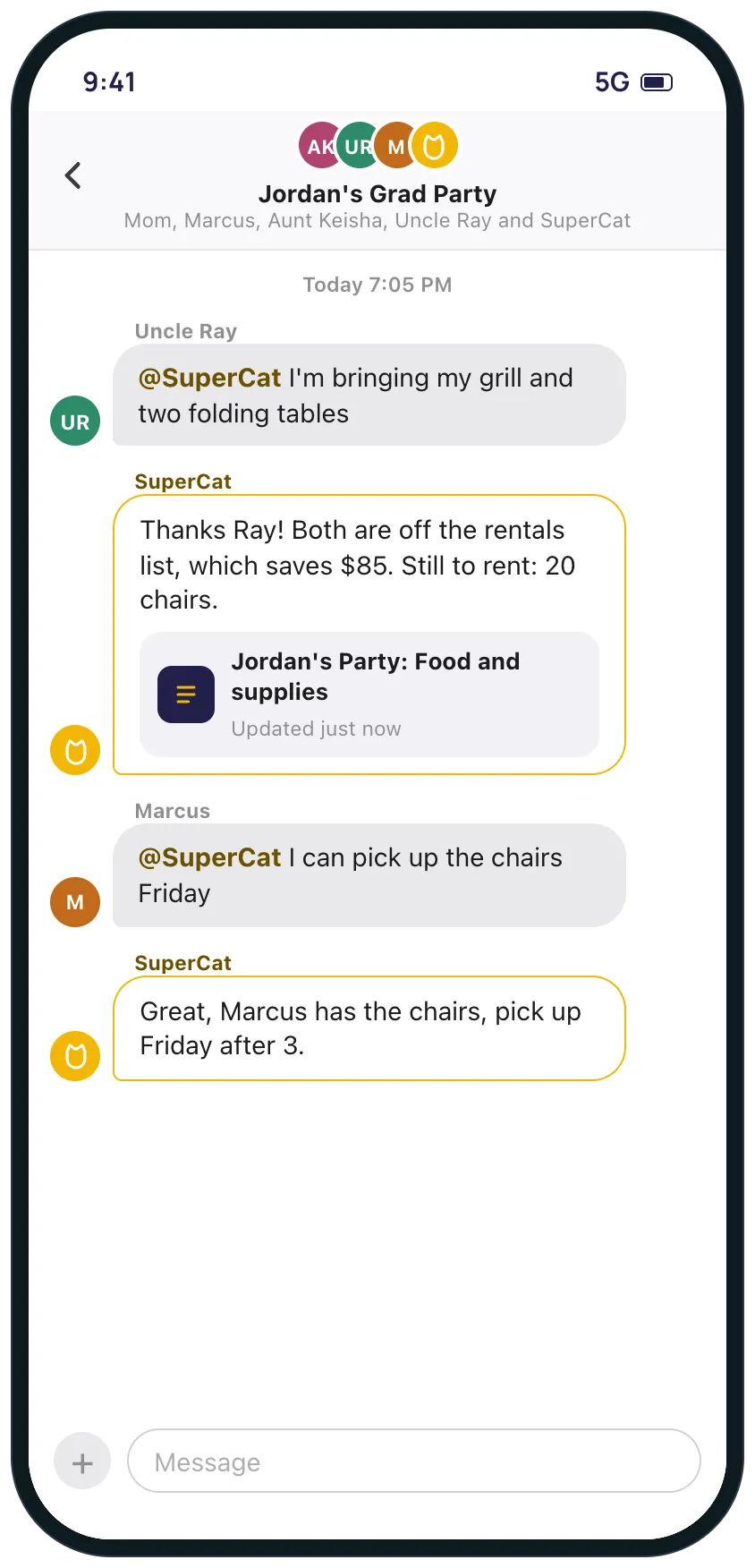
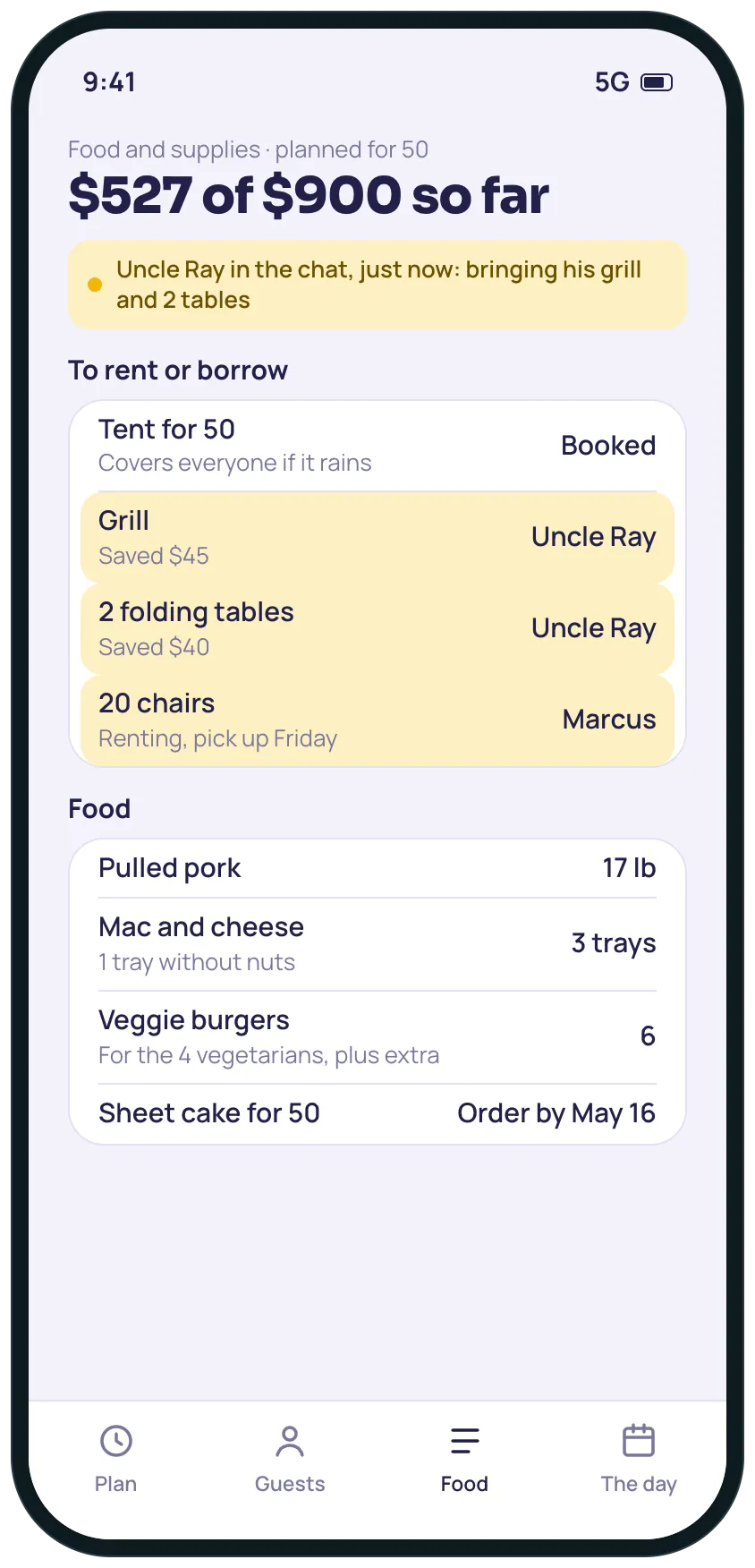
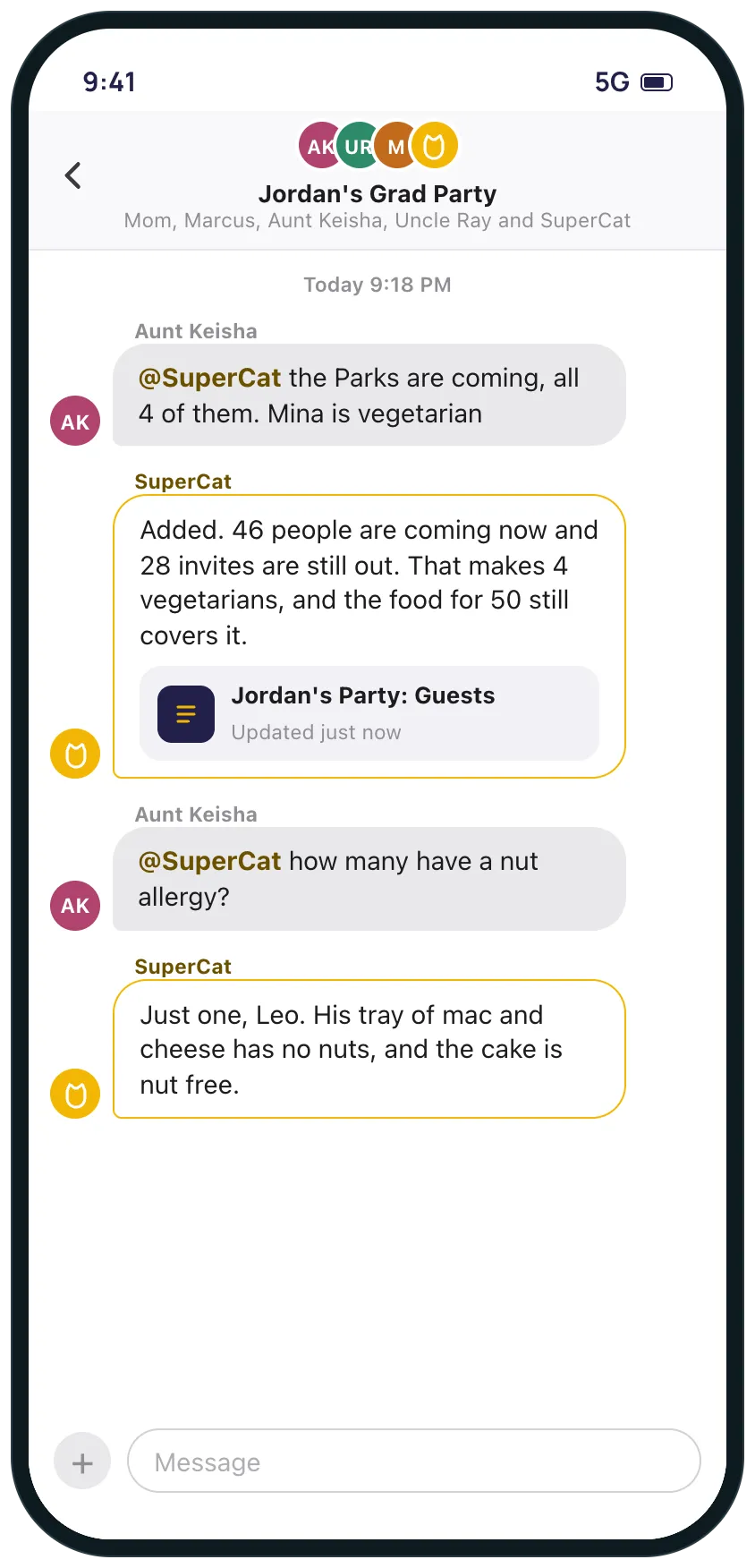
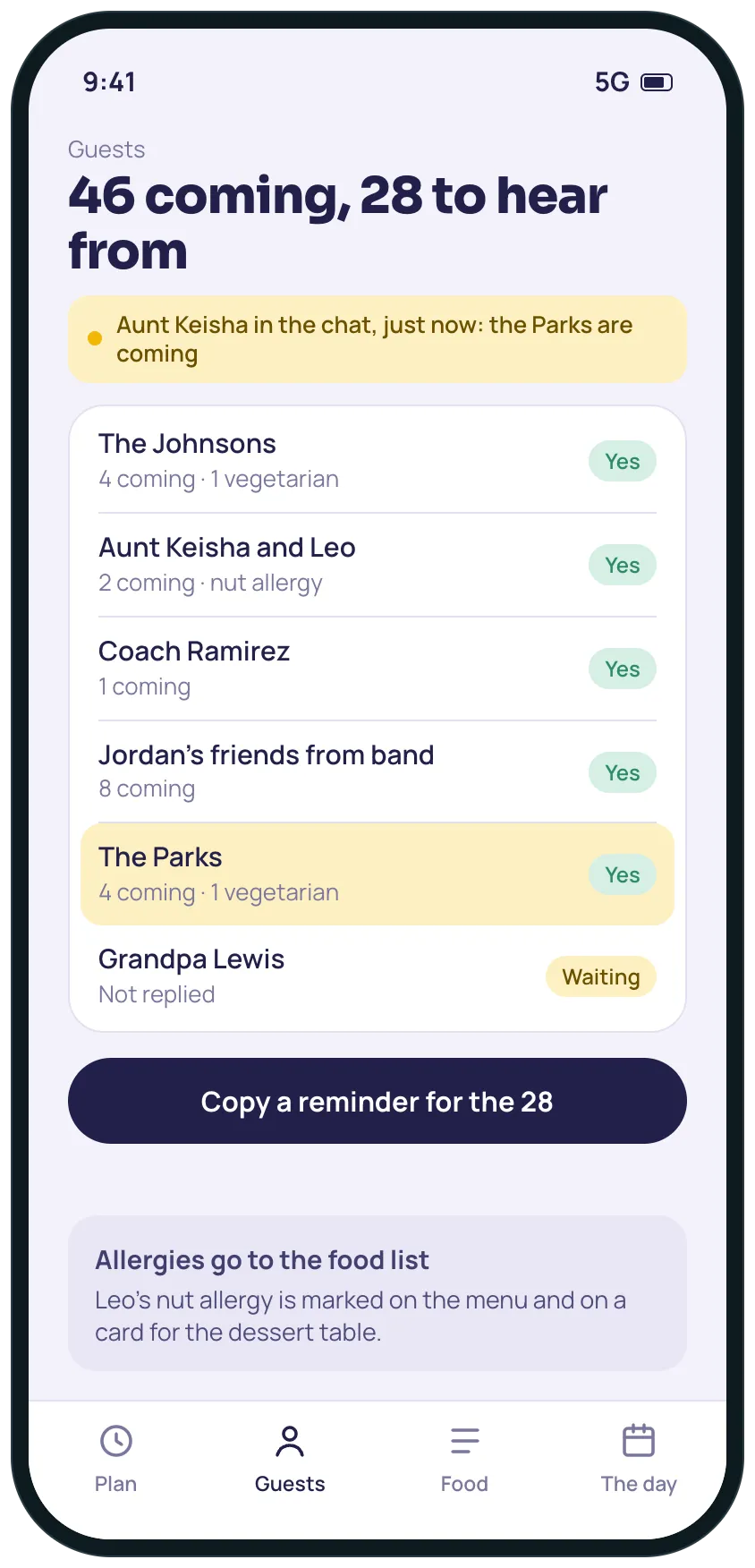
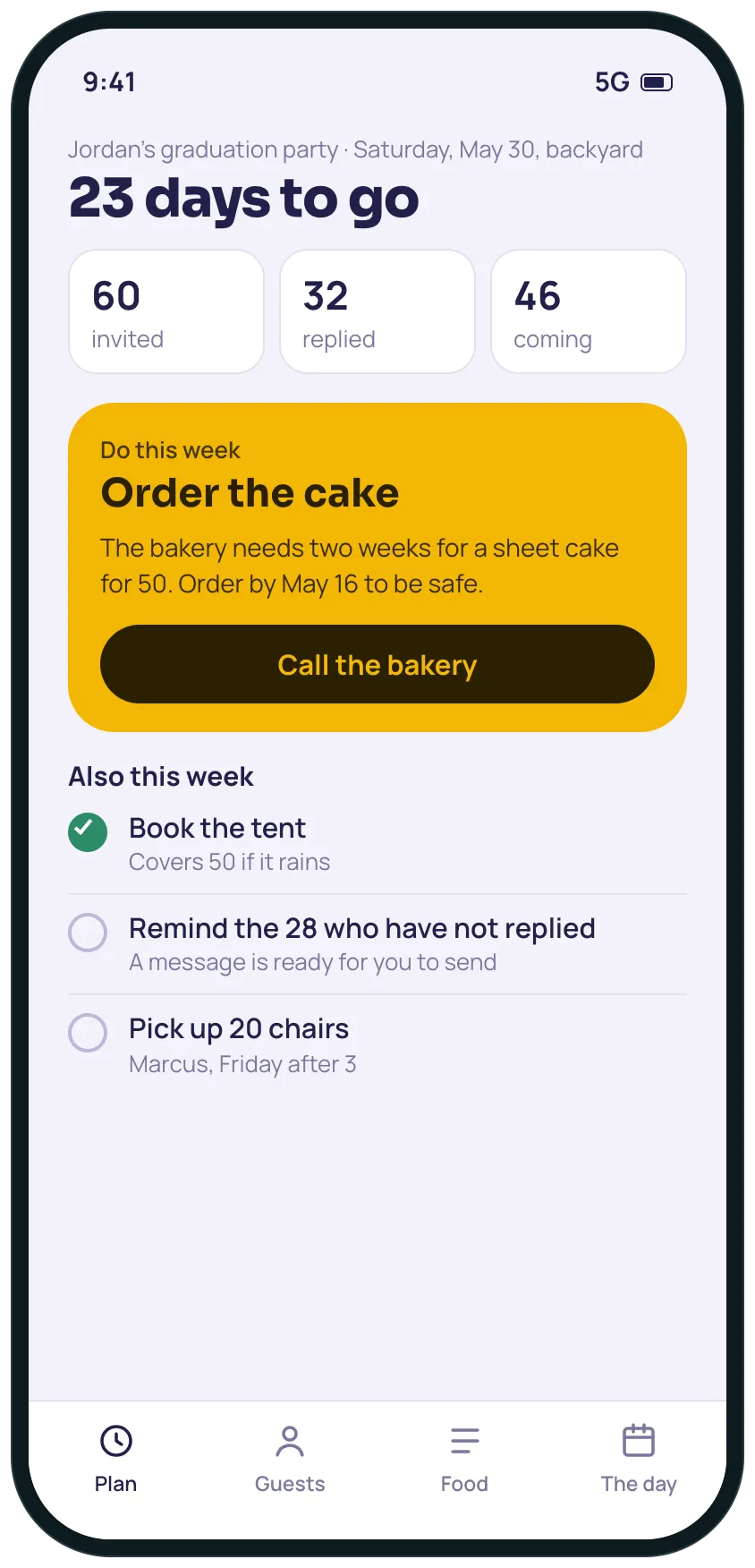
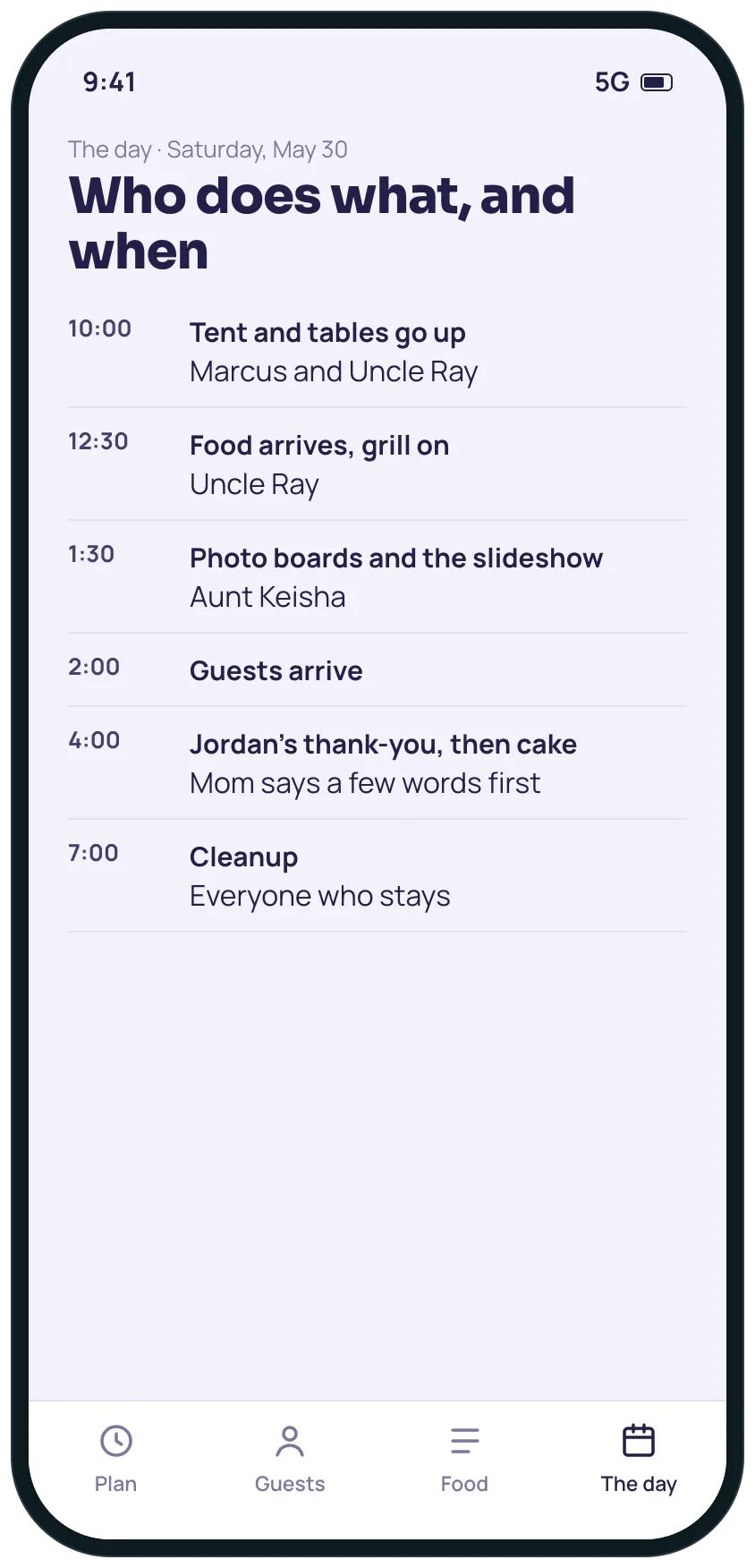
Example screens of the kind of tool SuperCat builds from this request. Yours is made around your life.
A plan for the party: days to go, who has replied and who is coming, food scaled to the headcount, the day hour by hour, and SuperCat in the family chat to answer the same questions for you.

SuperCat
Your message is ready to send
My son graduates in May and I'm hosting his party at home for about 60 invited. I want it to be easy for me and for the family helping.
Build me a small tool, and I'll add you to our family group chat so anyone can tag you to ask how many are coming or to tell you what they are bringing. Ask me the date, the place, the guest list and my budget first.
Home screen: days to go, who has replied and who is coming, and the one thing to do this week (order the cake, book the tent).
A link where guests reply yes or no, how many are coming and any allergies. A button to remind the people who have not replied.
A food and supplies list scaled to the headcount, with the budget.
The day hour by hour, with who does what.
When someone tells you something (my brother is bringing his grill), update the plan and say what is still needed.
Calm design that works on a phone. Reply with the link when it is ready.
Opens WhatsApp with this message and a code for 5 cans. Nothing to install, no account to create.
Prefer another app? the message.
What you get
- Days to go, who has replied and who is coming, and the one thing to do this week.
- A reply link for guests, with allergies noted, and a reminder for the ones who have not answered.
- Food and supplies scaled to the headcount, with the budget so far.
- SuperCat in the family group chat: tag it to ask how many are coming or say what you are bringing.
- The day hour by hour, with who does each part.
What usually gets in the way
- Invitations go out late because the list of tasks has no dates.
- Replies come by text, email and word of mouth and nobody has the headcount.
- The food quantities are guessed and the cake is ordered too late.
- Costs are spread across a few receipts and a credit card statement.
- Family keeps asking what the plan is for the day.
The longer story
A graduation party is a few weeks of the same questions in the family chat: how many are coming, what should I bring, what time should we be there. The host ends up answering all of them and still guessing the food.
A plan with a reply link keeps the count, scales the food to it and lays out the day. Add SuperCat to the family chat and anyone can tag it with a question or with what they are bringing, so the host stops being the switchboard.
SuperCat only acts when someone tags it, and any group admin can remove it.
Send it as it is, or change anything first
SuperCat asks a question or two, then builds it.
Send on WhatsAppOpens WhatsApp with this message and a code for 5 cans. Nothing to install, no account to create.
Prefer another app? the message.