

Set up your first apartment without overspending
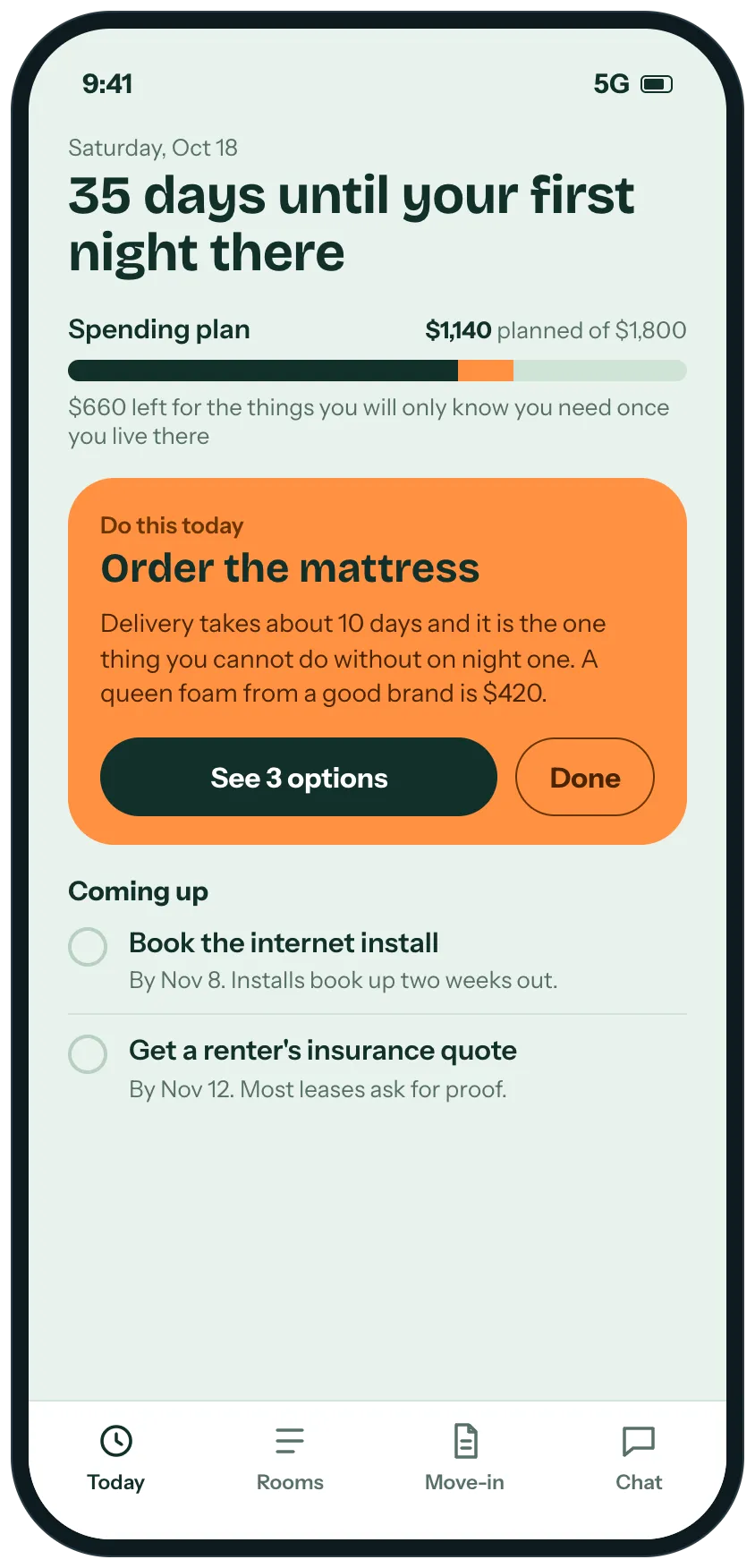
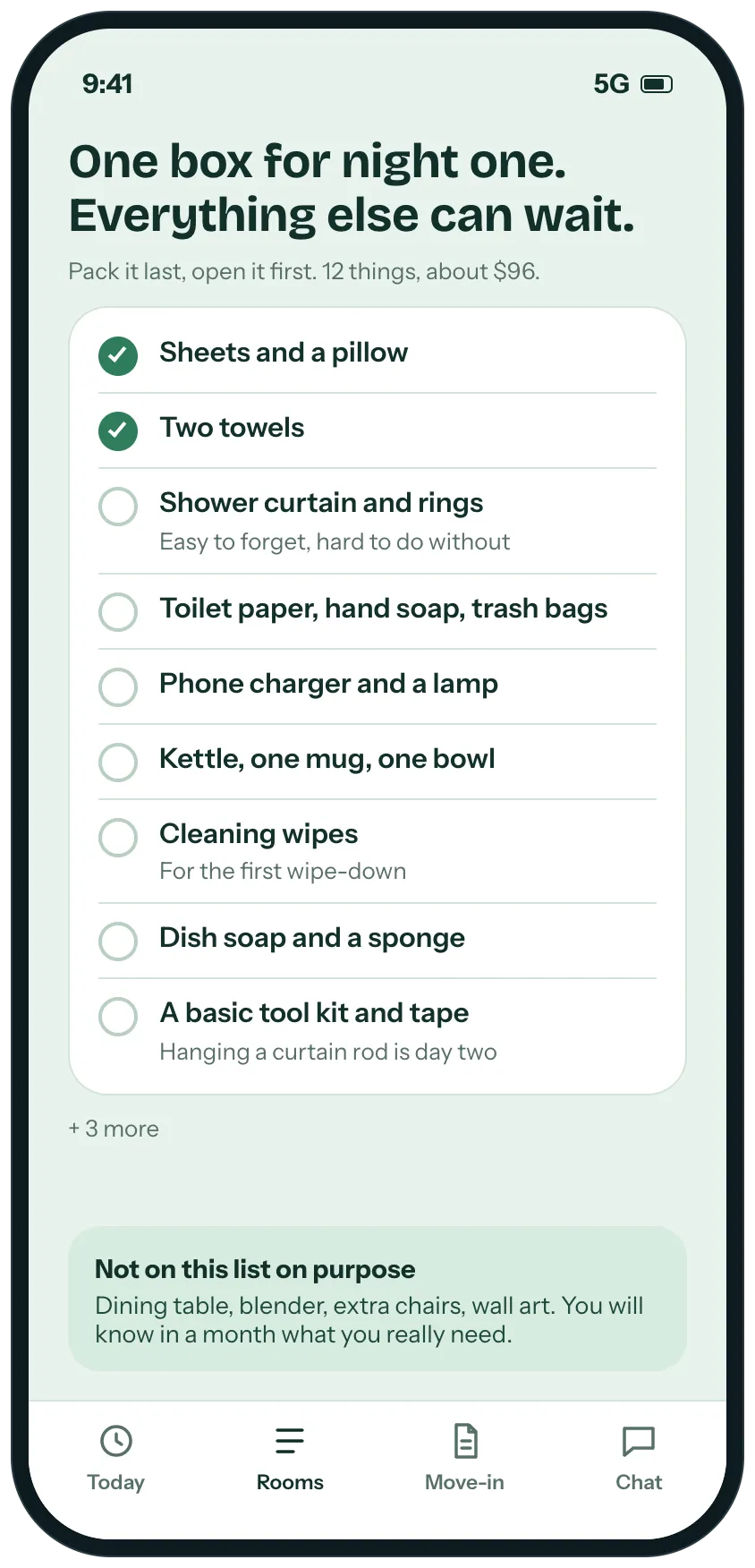
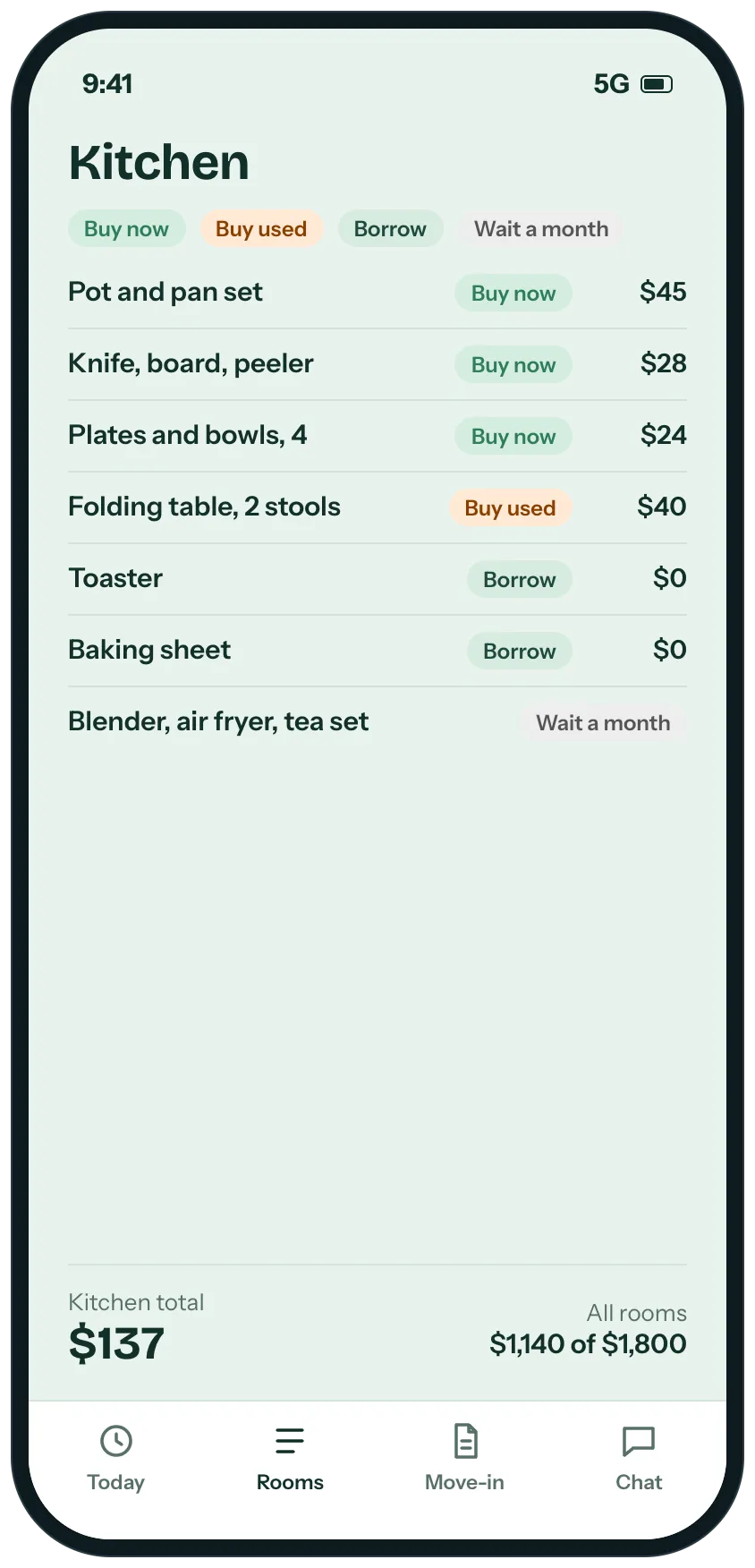
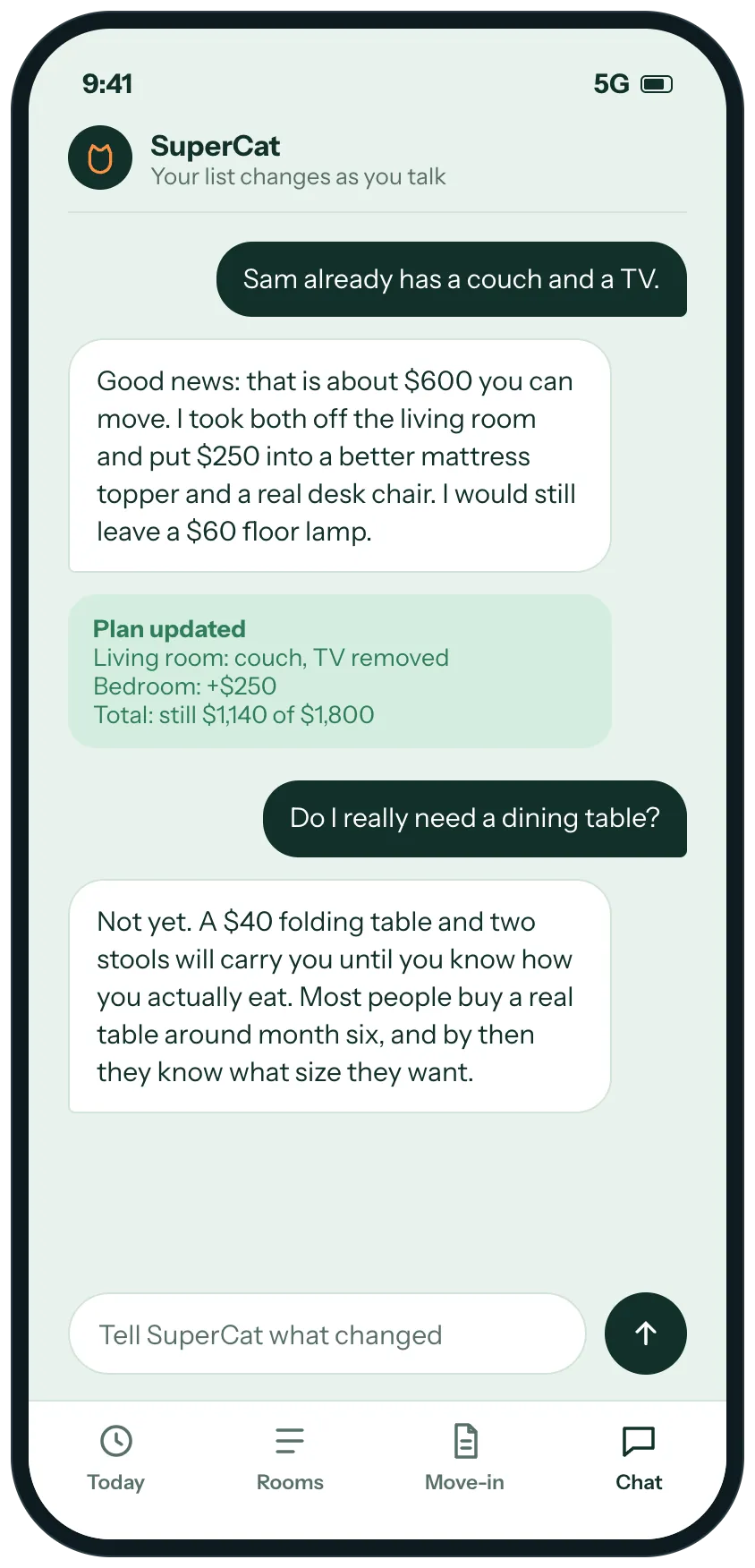
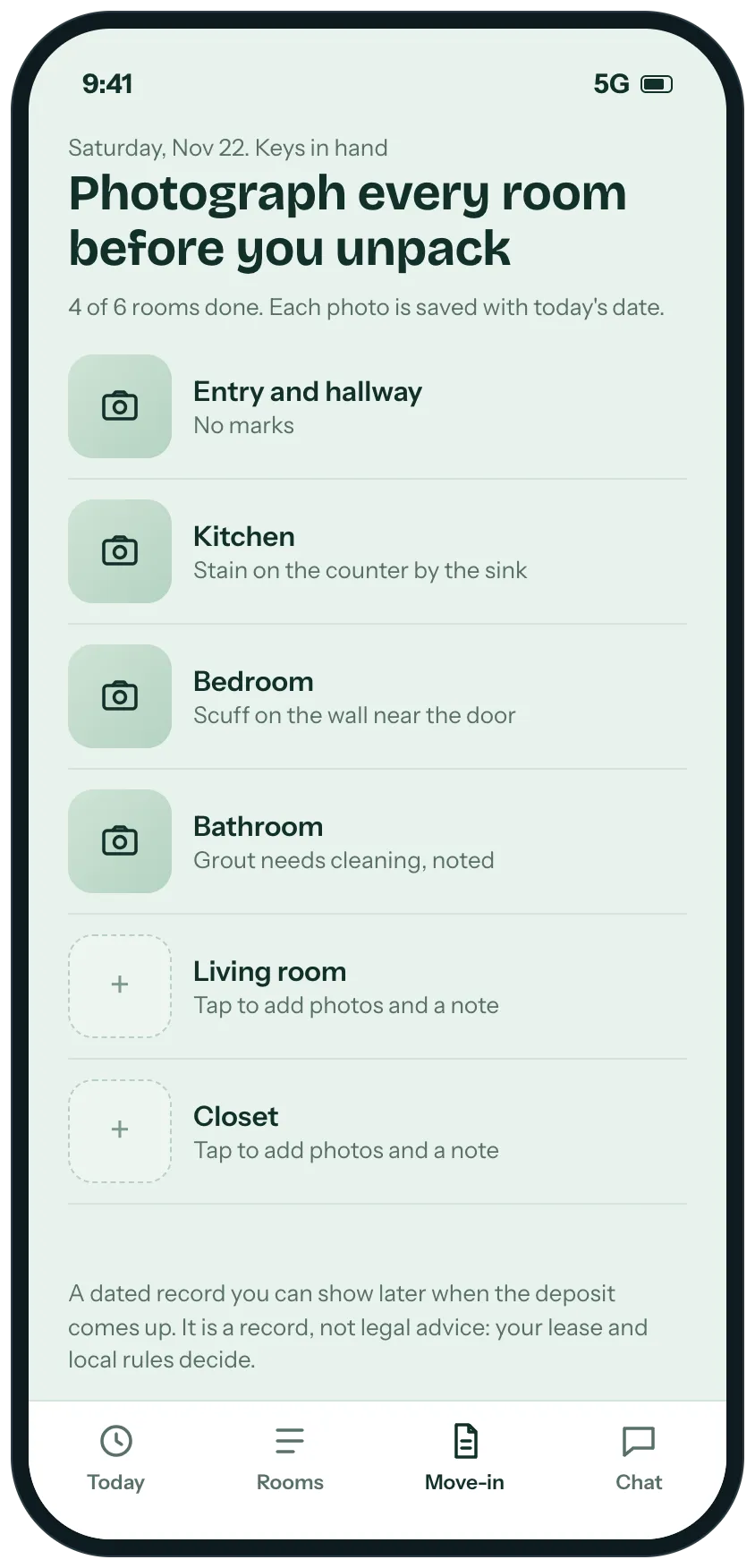
Example screens of the kind of tool SuperCat builds from this request. Yours is made around your life.
A calm plan for the weeks before move-in: what to do today, one box for night one, what to buy by room and what can wait, and a dated photo record of every room.

SuperCat
Your message is ready to send
I'm moving into my first apartment in five weeks and I want to feel set up, not overwhelmed, without overspending.
Build me a small tool that tells me what to do and when, working back from my move-in date. Ask me my move-in date, my budget and whether I have a roommate first.
Home screen: how many days until my first night there, my spending plan, and the one thing to do today. Some things have lead times, like a mattress or the internet install, so put those first.
A short list of only what I need on night one, and a clear list of what can wait a month, so I don't buy things I will never use.
By room: what to buy now, buy used, borrow or wait on, with a price for each, against my budget. Ask what friends and family are already giving me, and adjust.
When I tell you something changed (my roommate already has a couch), update the plan and tell me what moved.
A move-in day screen to photograph each room with a note and the date, saved for the deposit conversation. Say that it is a record, not legal advice.
Calm design that works on a phone. Reply with the link when it is ready.
Opens WhatsApp with this message and a code for 5 cans. Nothing to install, no account to create.
Prefer another app? the message.
What you get
- One thing to do today, counted back from your move-in date, including the things with lead times.
- A night-one list with only what you need on day one, and what can wait a month.
- Each room split into buy now, buy used, borrow or wait, with prices against your budget.
- A plan that changes when you tell SuperCat what friends and family are already giving you.
- A dated photo record of every room on move-in day, for the deposit conversation.
What usually gets in the way
- Every checklist lists fifty things and none says which one is due first.
- The internet and electric are not set up on move-in day.
- Spending on furniture and basics has no budget behind it.
- Damage that was already there is hard to document when the lease ends.
- Nobody tells you which items can wait a month.
The longer story
Setting up a first apartment is less a shopping problem than a question of what to do first, and what not to buy yet. A deadline, a budget and a lot of unfamiliar tasks all land at once.
A plan that works back from your move-in date puts the things with lead times first, such as the mattress and the internet install. A short list for night one keeps the first weeks affordable, and the rest can wait until you know how you actually live.
A condition record made on move-in day, with dated photos per room, can help in the deposit conversation when the lease ends. It is a record, not legal advice: your lease and local rules govern deposits.
Send it as it is, or change anything first
SuperCat asks a question or two, then builds it.
Send on WhatsAppOpens WhatsApp with this message and a code for 5 cans. Nothing to install, no account to create.
Prefer another app? the message.